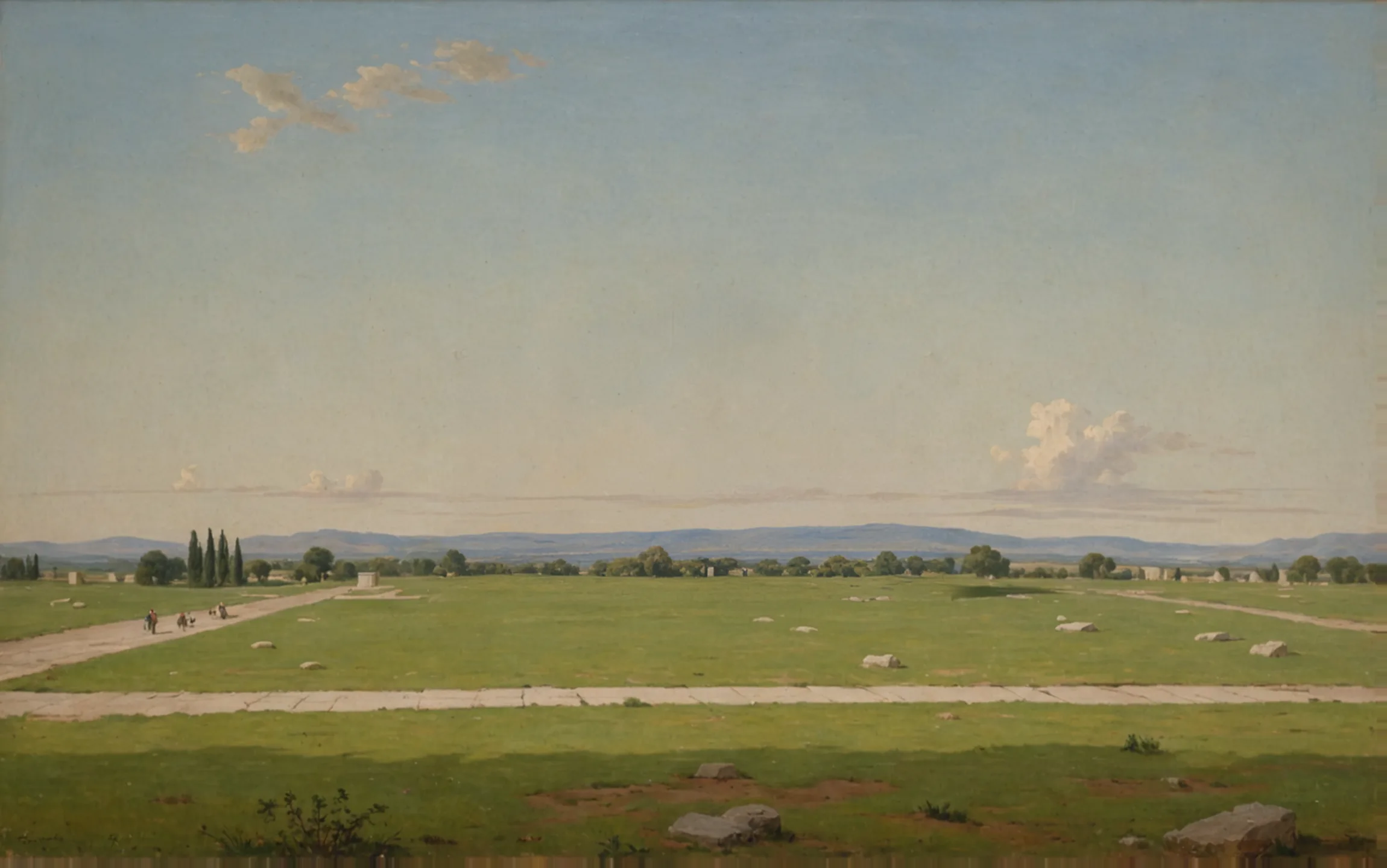
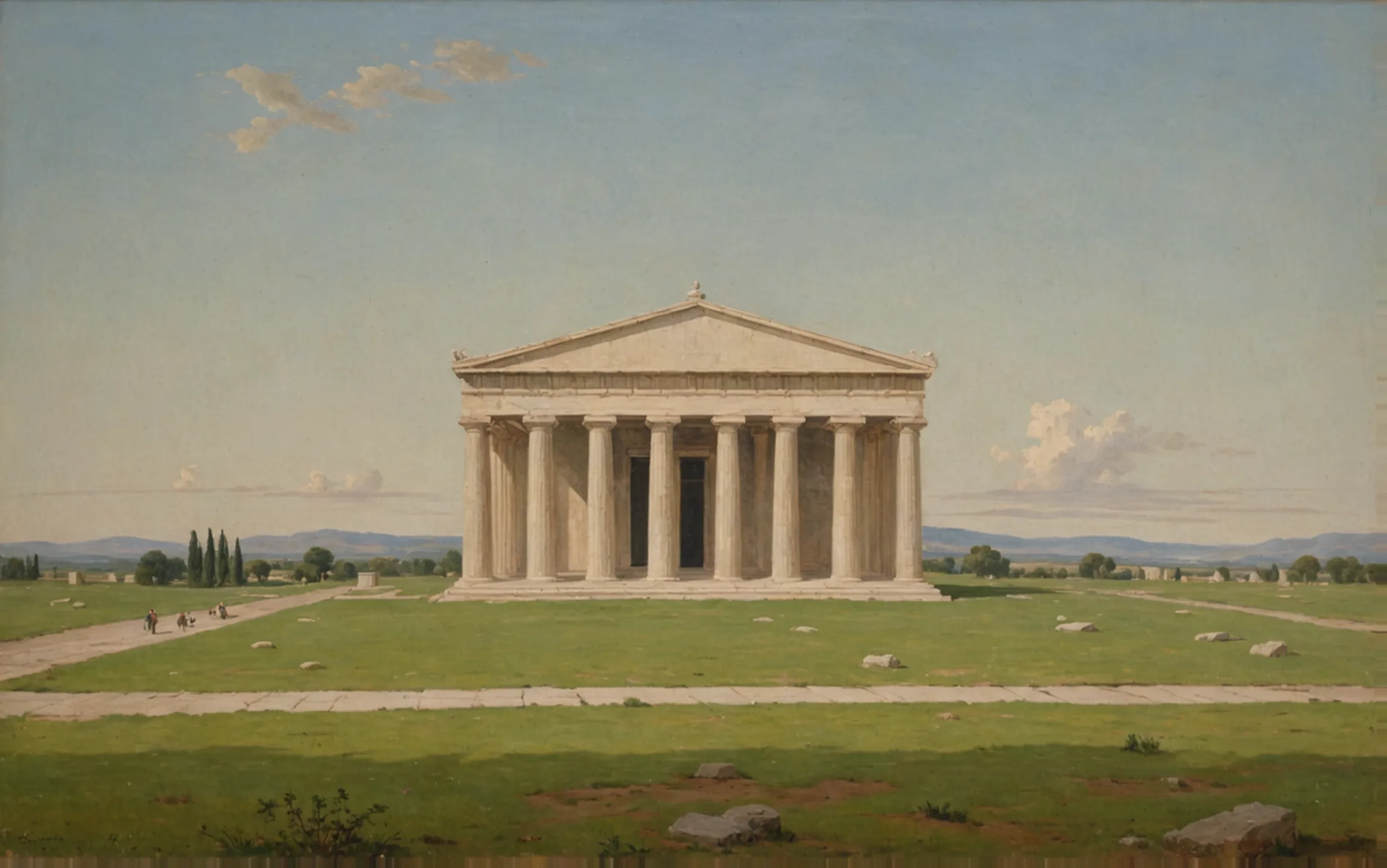
- Sheet
- A-101
- Drawing
- Site plan
- Scale
- 1/16" = 1'-0"
- Sample
Blueprints drawn with AI, checked against your lot’s code.
Describe the building. Urbium draws the plans and checks them against the code for your lot.
Sample check
- Pediment pitch max 15°✕ 19°✓ 13.5°
- Max height 45'-0"✓ 44'-0"
- Side setback 10'-0"✕ 7'-0"✓ 10'-0"
One drawing, checked while it is drawn.
A sample sheet. The numbers mark what Urbium did to it. Urbium drafts and checks. The permit is always issued by the building department.
Drawn from a sentence
“A peripteral temple, eight by seventeen columns, on this lot.” The Architect drafted this footprint from that line and redraws it when you ask for changes.
The lot’s rules, already loaded
Setbacks, height and coverage come from the zoning for the address, loaded before the first line is drawn.
Every check names its rule
Each result says which rule it applied and puts the measured value next to the limit. Here: side setback 10′-0″ against a 10′-0″ minimum, after the Architect moved the temple 3′-0″.
Your files and standards
Bring BIM and CAD sets and your firm’s own standards. The Reviewer checks against those too, not only the code.
Flagged, then fixed.
The same sample elevation, before and after the Architect answers the Reviewer.
Before 2 over the limit
| Check | Drawn | Limit | Result |
|---|---|---|---|
| Pediment pitch | 19° | 15° | 4° over |
| Height | 47′-9″ | 45′-0″ | 2′-9″ over |
After Within the limits
| Check | Drawn | Limit | Result |
|---|---|---|---|
| Pediment pitch | 13.5° | 15° | 1.5° under |
| Height | 44′-0″ | 45′-0″ | 1′-0″ under |
Before you join the waitlist
Where does Urbium work?
We are opening place by place, starting with the codes our first users need. Tell us the city or county where you build when you join the waitlist.
Does Urbium approve permits?
No. The building department issues the permit. Urbium helps you submit drawings that already meet the rules, with every check written down and its source named.
Can it check drawings made somewhere else?
Yes. Bring an existing set and the Reviewer checks it against the rules for its lot, the same way it checks drawings made in Urbium.
Which files can I bring?
BIM and CAD files, and your firm’s construction standards. Formats vary by firm, so tell us yours when you join the waitlist.
How do I get access?
Urbium is in early access. Join the waitlist and we will contact you as places open.
Your next lot, drawn and checked from the first sentence.
Urbium is in early access. Tell us where you build and we will write when it opens there.